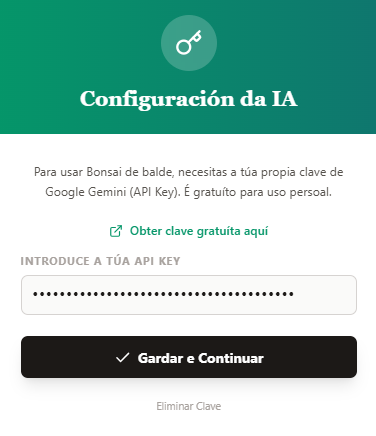
To use the applications I am publishing for free, a Gemini API Key is required. It is a free key. Let’s see how to obtain it:
-
Open google.es and log in with your Gmail credentials.
-
Go to the following page: aistudio.google.com/api-keys.
-
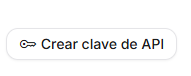
Click on the “Create API Key” button.
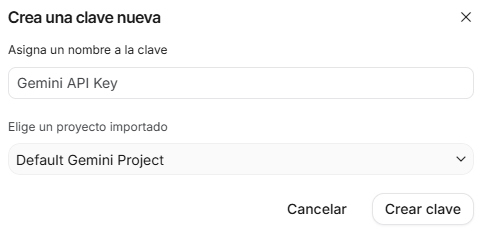
4. In the next window, leave everything as default, without changing anything, and click on Create key again.
 5. Click on the copy button.

6. And then paste it into the API configuration window.